
How Nimanto works
Everything Nimanto does, sorted by what you're planning: a private celebration or an event open to anyone. Each product step by step, then the questions hosts ask first.
1 · Private celebrations
For the people you invite: a wedding, a birthday, a shower, a housewarming.
2 · Public events and classes
For anyone with the link: a class, a meet-up, a party with tickets.
Part 1
Private celebrations
For the people you invite: a wedding, a birthday, a shower, a housewarming.
Private celebrations · Invitations
How invitations work
An invitation that opens, plays and takes the replies, sent to each guest with a link of their own.
- 4 steps
- WhatsApp, text or e-mail
- Nothing for guests to install
- Step 1
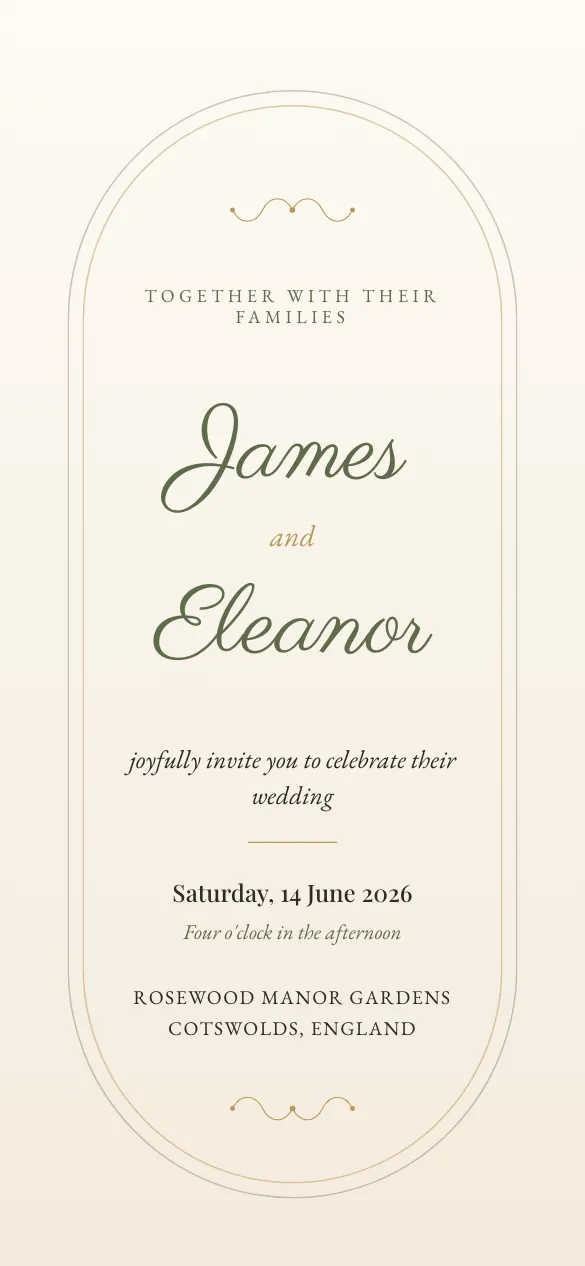
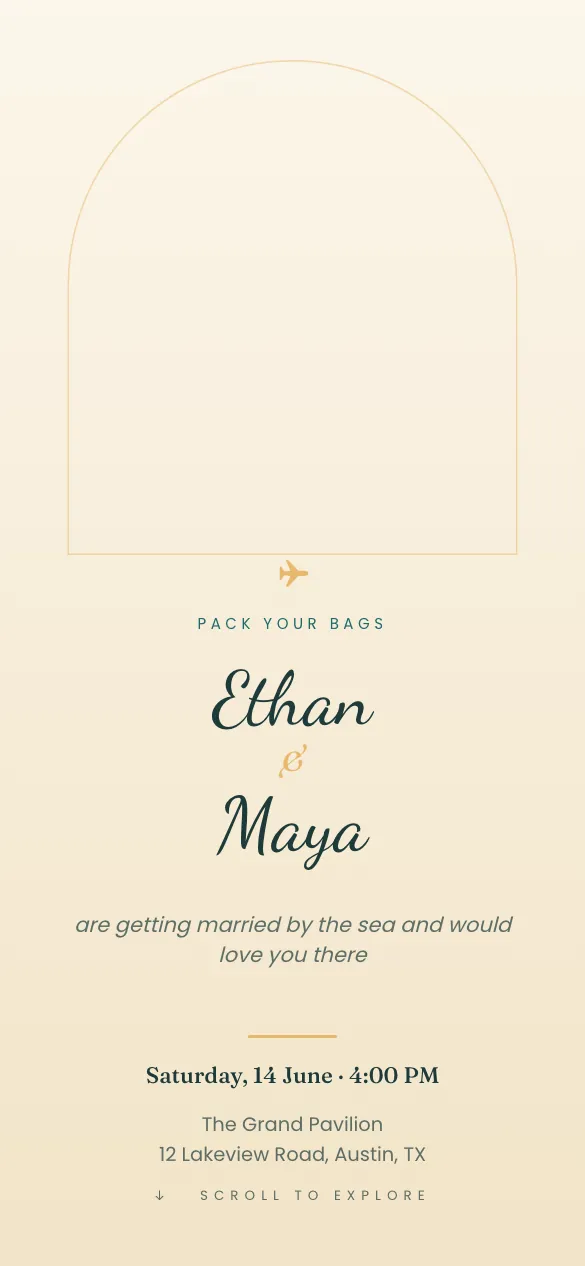
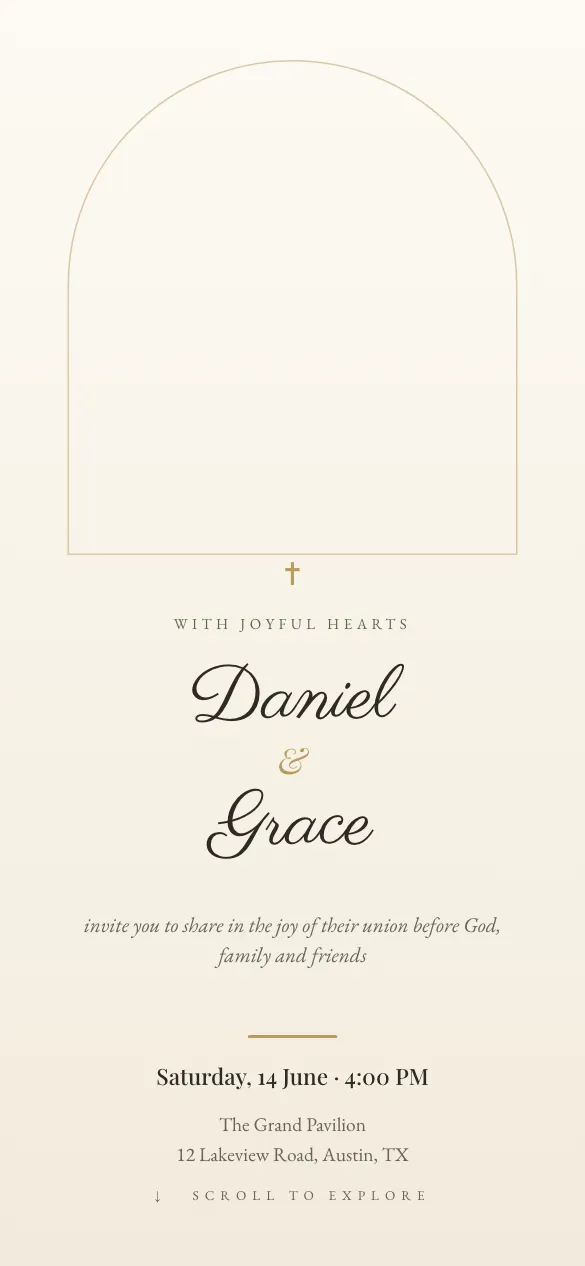
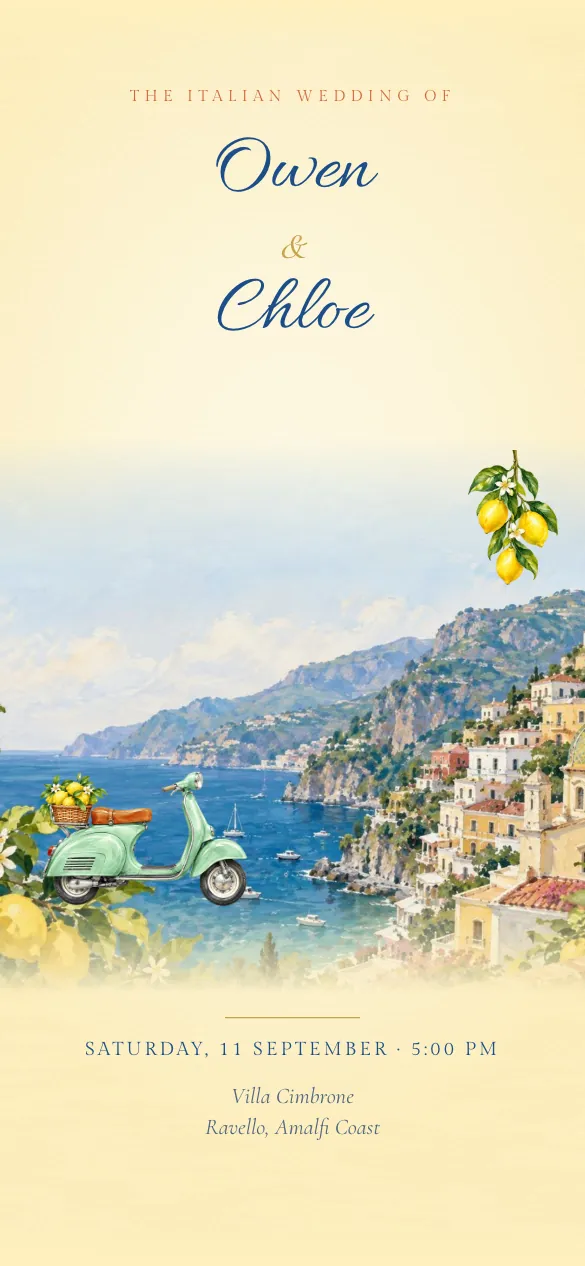
Pick a design
1,077 designs, or describe one and Design Genie paints it. Every design is yours to change; premium ones are paid once, or included with a plan.
- Step 2
Customise everything
Names, functions, venues, music, pages. Nothing is locked.
- Step 3
Share in one tap
A personal link per guest on WhatsApp, text or e-mail, with reminders. The chat shows a preview card of your design, and guests open it with nothing to install.
- Step 4
Track RSVPs live
Replies, plus-ones and dietary notes in your dashboard and on your phone. Export the whole list to a spreadsheet whenever you need it.
Private celebrations · Design Genie
How Design Genie works
When no design is quite right: describe the day and Design Genie paints an invitation only you have. From there it works like any other design.
- 3 steps
- Painted from your brief
$19.99 when you publish, or included with Nimanto Pro.
- Step 1
Write a brief
The occasion, what the pictures should show, the look and the words. About ten minutes; only the occasion is required.
- Step 2
See your designs
Design Genie paints an original invitation from your brief, usually in under ten minutes.
- Step 3
Pick one, or revise
Choose the design you like, or ask for changes in a note: one revision is included and every round is kept. Then add names, dates and functions like any other design.
Private celebrations · Planner
How the planner works
A checklist, budget, vendors, seating and the day's timeline, inside your invitation.
- 3 steps
- Free with every invitation
- Step 1
Answer a few questions
Your date, functions and venue come from your invitation, so you're asked only the rest: the customs you follow, roughly how many guests and a budget if you have one.
- Step 2
Get a plan that fits your customs
A checklist with due dates, the vendors you'll need, a budget split and each function's timeline, made from our library for the customs you pick. Switch off anything that doesn't fit.
- Step 3
Tick things off as the day gets close
Next up shows what needs you this week. If your date moves, the due dates move with it, and on the day Day mode shows what's on now and what's next.
Part 2
Public events and classes
For anyone with the link: a class, a meet-up, a party with tickets.
Public events and classes · Event Hub
How Event Hub works
One link for a class, a meet-up or a party anyone can join. Guests reserve a spot and get a pass; you scan them in at the door.
- 3 steps
- Free on every plan
- Live today
- Step 1
Make the page
Upload a photo or pick a Nimanto design. Add the date, the place and how many spots.
- Step 2
Share one link
WhatsApp, Instagram, a printed QR poster. Guests reserve with a name and an e-mail. No account, no app.
- Step 3
Scan at the door
Open the door on your phone, point it at a guest's pass, green means in. Helpers get a door link.
What your guests and you get

Saturday · 6:30 am
Sunrise Yoga on the Pier
Sat 24 Oct · 6:30–7:30 am
Pier 7, Old Harbor Walk
Reserve a mat · $189 of 24 mats left

Sunrise Yoga on the Pier
Sat 24 Oct · 6:30–7:30 am
M. Keller
Drop-in mat · $18
Show at the door
Pier 7, Old Harbor Walk
Sample pages. Prices and tiers are examples; nothing here is for sale.
Questions
Frequently asked questions
Grouped by product, in the order of the page.
Invitations
Do my guests need to install anything?
No. An invitation is a web page that opens instantly in any browser — from WhatsApp, SMS or e-mail — with a rich preview.
When do I pay for a premium design?
You design for free. On the Free plan, payment is requested only when you publish an invitation that uses a premium design, once for that invitation, and the design then takes off the "Made with Nimanto" footer for good. Weddings have one price for every wedding design. The Nimanto Club and Nimanto Pro include the premium designs marked for them.
Can I cancel a plan?
Yes, from Billing, in one click. The plan stays active until the end of the month or year you have paid for, then the account returns to Free. Published invitations stay online.
Can I change the date after publishing?
Yes. Events get rescheduled. You can change the date three times after publishing; further changes on premium invitations are a small paid unlock so designs aren't reused indefinitely.
How do per-guest links work?
Add guests in the RSVP dashboard and each gets a unique link that greets them by name and caps their headcount. You can also share one generic link.
Can someone help me manage the event?
Invite collaborators by e-mail. They see the event in their own dashboard and can edit and manage guests.
Can I export RSVPs?
Yes — one click exports every response, headcount and message to CSV.
Planner
Is the planner free?
Yes. It comes with every invitation, on every plan.
Do I need to pick a design first?
No. Start with the planner and pick a design when you're ready; your planner stays.
Does it work for my customs?
It has plans for 65 customs, and you can add your own functions to any plan. Every suggestion can be switched off, and suggestions we haven't had checked yet say so.
Will my guests see my planner?
No. Guests see only your invitation. Your planner is private to you and the people you add as collaborators.
Does AI decide anything?
No. AI suggests from our library and says why; nothing changes until you press a button.
Event Hub
What is Event Hub?
A page for a public event or a class. Guests reserve a spot in three taps with no account, each gets a pass with a QR code by e-mail, and you check them in at the door from your phone. Free events are free on every plan, and tickets can have a price too.
Can I sell tickets?
Yes. Give any kind of ticket a price, up to five kinds on a page. Guests reserve on the page and pay at the door, or pay by card when they reserve where card payments are on.
Does it cost anything for free events?
No. Event pages with free reservations are free on every plan, and they never count against your invitations.
What does a paid ticket cost me?
Paid at the door, nothing: guests pay you there, and Nimanto never handles the money. Paid by card, the card cost and any Nimanto fee are taken from each sale or added for the guest as a booking fee, and the page editor shows what a guest pays and what you receive before you publish.
Do guests need an account or an app?
No. They reserve on the page with a name and an e-mail, or a phone number if you allow it, and their pass opens in any browser.
How does check-in work?
Open the door from your event's console on any phone and scan each guest's QR pass: green means in. Helpers can scan too, with a door link you send them and no account. It keeps working when the signal drops, and the guest list lets you check people in by name.
What happens when it's full?
With the waitlist on, new guests join it, and a spot someone gives up goes to the next person automatically, with an e-mail. Or the page simply says Full.
Can I run a weekly class?
Make the first page, then use Duplicate for next week: a new draft with the same details one to four weeks later, ready to check and publish.
Does it work outside the US?
Yes. Pages, reservations, passes, reminders and tickets paid at the door work everywhere, on your event's own clock. Card payments, where they are on, work in the currencies the page editor offers for them.
Still have a question?
Help center
Answers about creating, sending and managing invitations: designs, RSVPs, guests, the photo album, plans and your account.
Contact us
Write to the Nimanto team and a person replies, usually within a day.